
Advantages of Using OPS in Interactive Panels
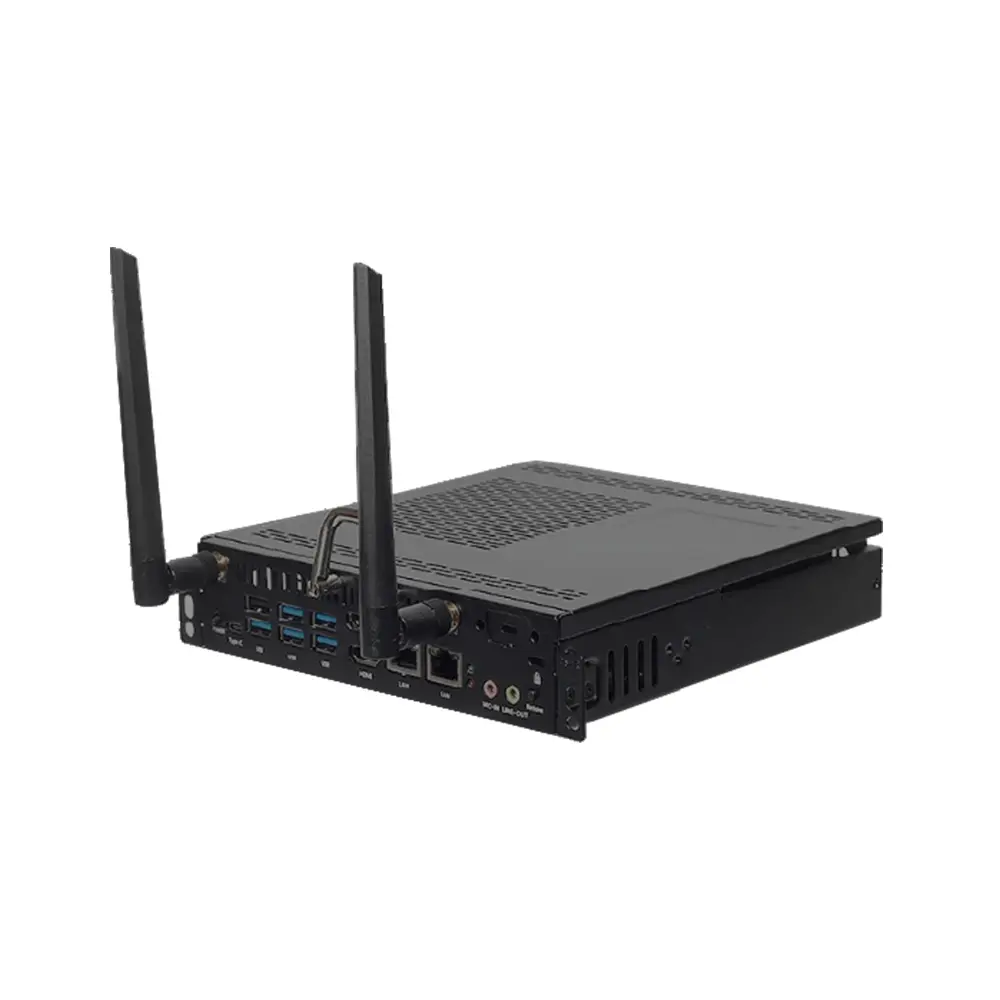
- 🔧 Modular: Easy to upgrade or replace PC without replacing the panel.
- 🧹 Cable-free Integration: Reduces wiring clutter.
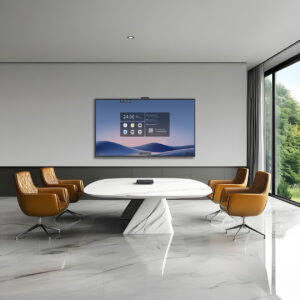
- 💼 Corporate Use: Seamlessly runs conferencing apps like Zoom, Teams, Google Meet.
- 🧑🏫 Education Use: Enables interactive teaching tools, screen recording, annotation, etc.
- 🔒 Secure & Managed: Central IT teams can manage OPS PCs remotely.
Popular OPS PC Models (India/Global)
| Brand | Model | Key Specs |
| Maxhub | OPS-I5 / OPS-I7 | Compatible with V5/V7 Series |
| Aopen | Commercial OPS Series | Chrome OS / Windows compatible |
| Intel | Smart Display Module (SDM) | Successor to OPS, used in high-end IFPs |
| ViewSonic | VPC Series OPS PC | i5/i7, 8GB RAM, 256GB SSD |
| Advantech | ARK-OPS series | Industrial-grade OPS |
✅ Recommended Use Cases Based on CPU:
- Core i5, 8GB RAM, 256GB SSD → Suitable for education, Zoom/Teams meetings, annotation, basic browsing.
- Core i7, 16GB RAM, 512GB SSD → Ideal for corporate boardrooms, multitasking, high-resolution video conferencing, recording, and whiteboarding.