Key Specifications
- Display sizes: 55″, 65″, 75″, 86″, 98″
- Resolution: 4K UHD (3840×2160) across all models.
- Brightness:
- Without glass: ~440 nits
- Typical: ~390 nits (larger sizes) / 350 nits with glass
- Touch:
- 40-point multi-touch for 55″–86″ models
- Up to 20-point for the 98″
- Panel & Optics: IPS panel with 60 Hz, 10-bit (8+FRC), 178° viewing angle, 8 ms response, and 25% haze
- Brightness Uniformity: Dynamic contrast ratio ~5000:1
Smart Platform & Collaboration
- Operating System: Android 13 (Gen 2), Google Play Store access, Google Play Protect
- Software suite:
- LG CreateBoard Lab: whiteboarding tools (ruler, sticky notes, etc.)
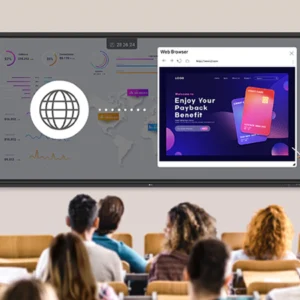
- Wireless sharing via CreateBoard Share (up to 9 screens); app-less option included.
- Smart Viewing: multi-window & picture-in-picture modes.
- Front-facing ports & OPS slot for modular expansion.
- Eye comfort: Flicker-free panel and anti-glare haze finish .
- Connectivity:
- 3× HDMI (HDCP 2.2), VGA, Audio In/Out (3.5mm & Optical SPDIF), RS-232C, RJ45 LAN
- USB-A 3.0 ×4, USB-A 2.0 ×1, USB-C (USB-PD & DP-Alt), Touch USB ×2.
- Wi‑Fi & Bluetooth support speaker/mouse/keyboard pairing.
Management & Security
- LG ConnectedCare DMS: Cloud-based remote monitoring, scheduling, alerts, and device management (optional license)
- Security modes:
- Screen lock, secure mode (disables sharing), USB lock, auto-file deletion
- Certifications: ENERGY STAR, CE, FCC Class A; backed by 3‑year limited warranty
Usage & Power
| Metric | Value |
| Operation hours | 16/7 (typical) |
| Lifetime | ≥ 30,000 hrs |
| Typical power consumption | 170 W (55″) → 460 W (98″) |
| Standby power | ≤ 0.5 W |
Pros & Cons
Advantages:
• Engaging multi-touch interactive display with robust collaboration tools.
• Access to Android ecosystem and cloud‑based management.
• Great compatibility (OPS slot, front ports).
• Flicker‑free & anti-glare display for long use.
Limitations:
• Brightness (~390–440 nits) suits indoor use — not outdoor.
• No rugged outdoor/weatherproof design.
• Stand sold separately.
Ideal For
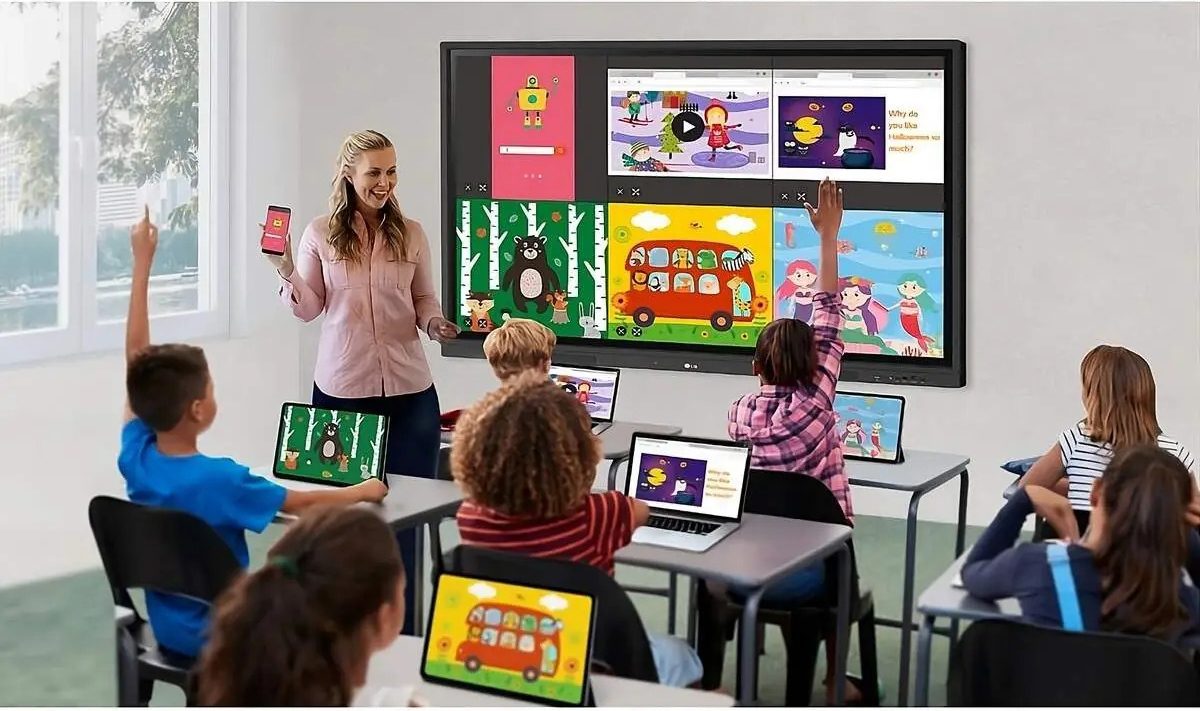
- Classrooms and training rooms: interactive teaching, screen sharing, educational templates
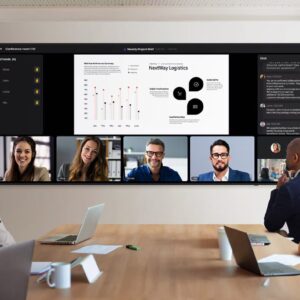
- Meeting and huddle spaces: collaboration with smart software, note capture, content sharing
- Hybrid environments: Bluetooth support for mobile peripherals